Skip to content

Superchargers are a big deal for road trips. They are usually easy to find, usually reliable, and they can turn “charging anxiety” into “okay, we’re fine.”
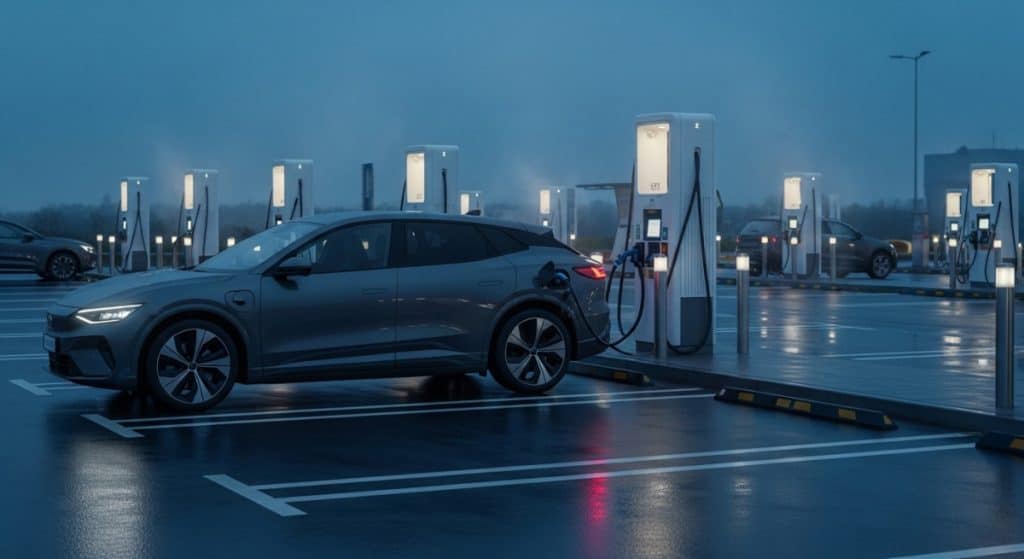
Here’s the catch in 2026: “Yes, you can use Superchargers” is true, but the experience is not the same for every EV. Your results depend on the type of Supercharger you show up to, whether your car is native NACS or still CCS, how your payment is set up, and one sneaky technical detail that surprises a lot of people the first time they plug in.
This guide covers:
- Which Superchargers actually work for non-Teslas
- Adapters and what “safe” really means in 2026
- Why some EVs charge slower than you expect at Superchargers
- Parking and cable etiquette (including the awkward two-stall situation)
- A step-by-step first session walkthrough that actually works
- A used EV buyer checklist so you do not get stuck later
The 2026 Reality Check: “Yes, You Can Use Superchargers”… But It’s Not All Equal
Tesla opening Superchargers to other EVs changed the road trip game, especially if you are coming from a world where fast charging used to feel like a gamble. But the word “open” is where people get tripped up.
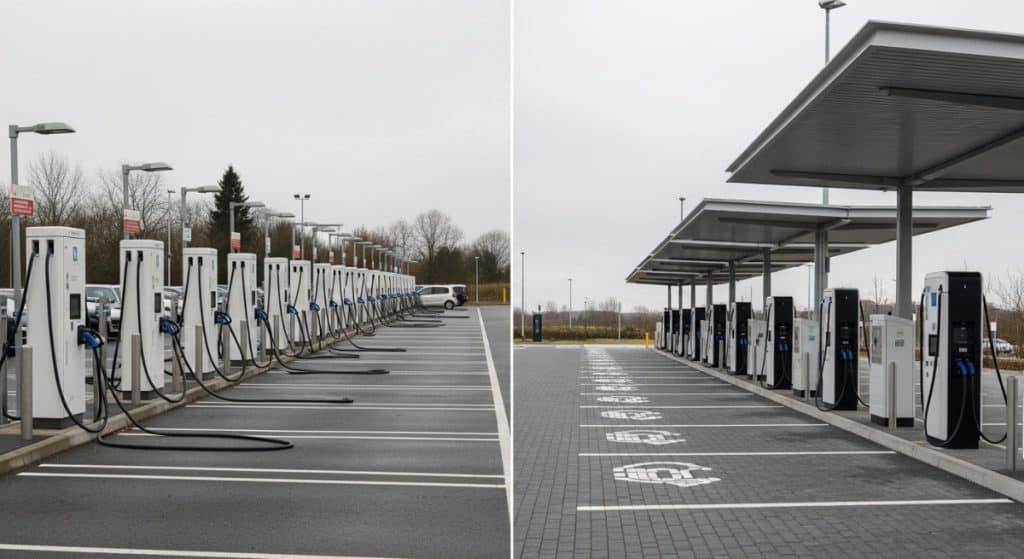
In practice, “open” means some sites are compatible, some are not, and your EV may need a specific setup to start a session smoothly. Tesla’s own guidance is clear that not every Supercharger is available to every vehicle, and access depends on the site and your vehicle.
So if you want the no-drama version of Supercharging with a non-Tesla, the goal is simple:
Confirm the site is compatible, bring the right hardware, and show up with the right payment method already ready.
That alone eliminates most first-timer headaches.
What “Open Superchargers” Actually Means in 2026
The 3 Supercharger “types” you’ll run into
You can think of Superchargers as three buckets:
- Tesla-only sites
These are still out there. They may show up as dots in some maps, but that does not mean your non-Tesla can use them. - Sites open to other EVs (partner access)
These are the ones that matter for most non-Tesla owners in 2026. Some brands have official access and use an adapter (if they are CCS), or plug in directly (if they are native NACS). Ford and GM have both published official guidance around Supercharger access as their rollout expands. - “Magic Dock” sites (built-in CCS option at the stall)
These have a built-in CCS option at the station, so you do not need your own NACS-to-CCS adapter. They are great when you find them, but you should not build your whole plan around them.
How to confirm a site is compatible before you drive there
This is the simplest “do not waste your time” rule in the whole article:
If the Tesla app does not show it as available for your vehicle, assume it will not work.
A few quick points that save frustration:
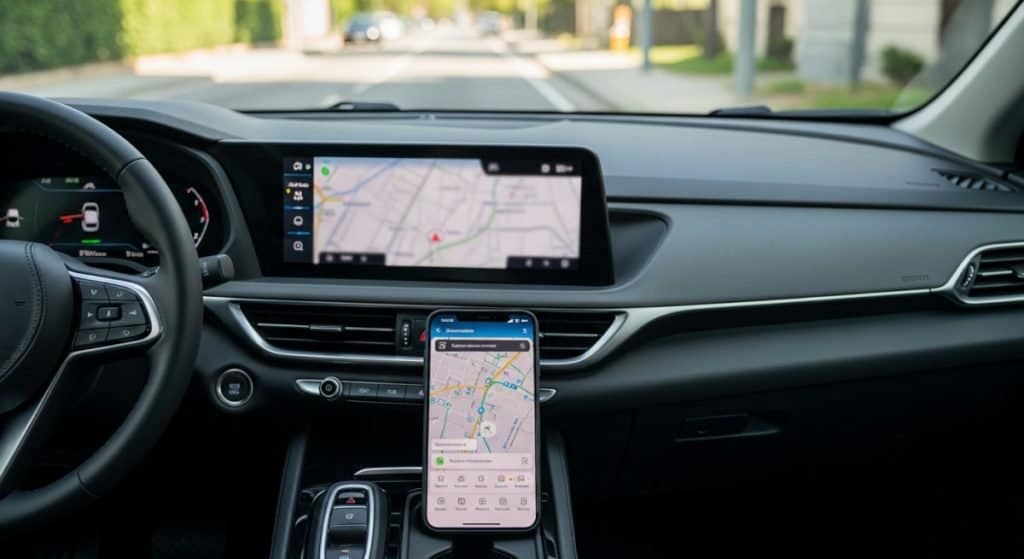
- Use the Tesla app filters. Do not assume every Supercharger dot is compatible with your EV. Tesla explicitly notes that access varies by location and vehicle.
- Use your automaker’s app and in-car navigation too, but do not treat it as perfect. Some systems are great at routing you, but can still miss real-time stall issues or site-level limitations.
- Do not plan on “older-looking” sites working. In general, newer sites are more likely to support non-Tesla charging cleanly, especially as brands roll out partner access.
If you do one thing before your first attempt, do this: pick a site the Tesla app already labels as compatible for non-Teslas.
Hardware Basics: Surviving the “Dongle Economy”
This is the part nobody loves, but it matters. The right hardware turns Supercharging into a normal routine. The wrong hardware turns it into a parking lot science project.
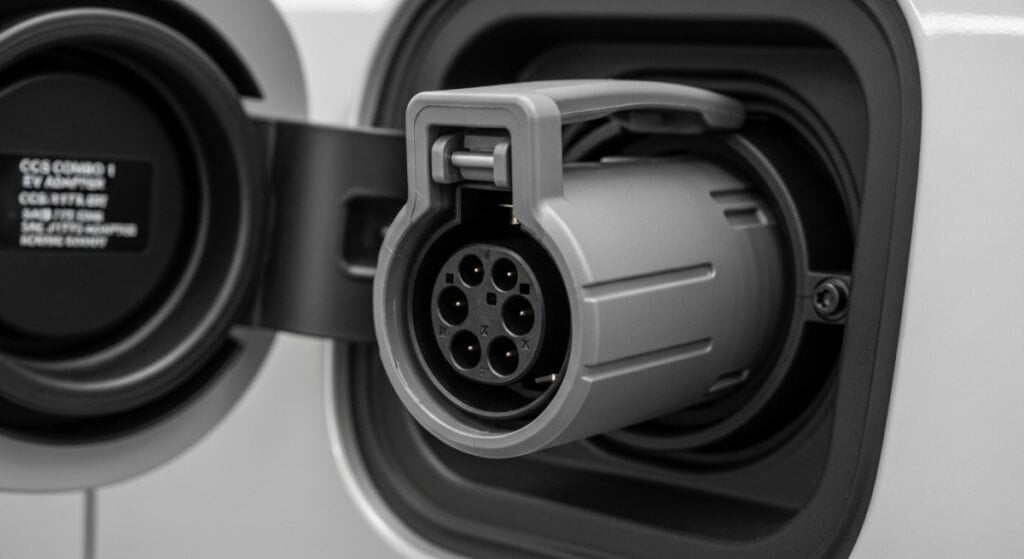
If your EV has native NACS, what changes (and what doesn’t)
If your car has a native NACS port, you get the obvious win: you can physically plug in without an adapter.
But you still have two “adulting” steps:
- You need your account and payment setup ready.
- You still need to use compatible Supercharger sites. Plug fits does not always mean session starts.
If your EV has CCS, the adapter is the whole game
If your car is CCS, your Supercharger experience is basically: adapter quality + correct procedure + correct site.
Here’s what to check if you are buying an adapter, or buying a used EV that should come with one:
- Is it the correct adapter for DC fast charging at Superchargers? Not every adapter is meant for Supercharger access.
- Are the pins clean and undamaged? Bent pins, grime, or a loose fit can cause handshake failures.
- Does the latch feel solid? A loose connection is not just annoying, it can stop a session mid-charge.
Safety and certification in plain English
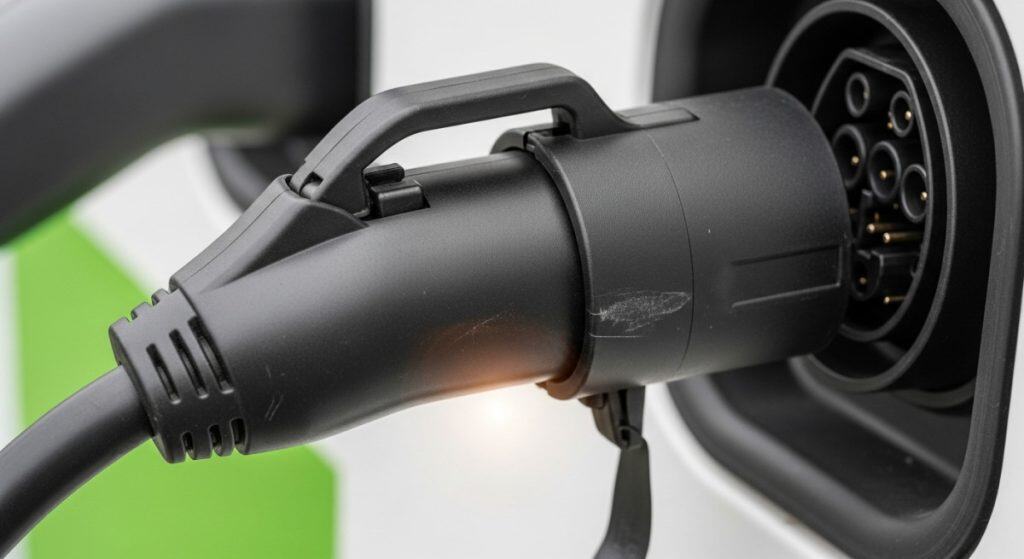
In 2026, “safe” means more than “it worked for a guy on a forum.”
Two big reality checks:
- Tesla explicitly warns against using unapproved adapters. Their public guidance is pretty direct about approved use and safety expectations.
- Certification matters because these adapters are handling serious current and heat. UL testing (like UL 2252 for adapters) is designed to validate performance and safety under real electrical and thermal stress, not just whether the plastic fits.
Even if you are the type who likes aftermarket everything, Supercharging is not the place to experiment. If the adapter fails, the best case is a wasted stop. The worst case is heat damage to your inlet or adapter.
A quick reality warning on “extra gadgets”
If an add-on changes the electrical path or adds another connection point, it adds another failure point. That includes things like extension solutions, questionable breakaway setups, and anything that introduces more wiggle into the connection.
Expect restrictions and enforcement to tighten as non-Tesla use grows. The networks want predictable, safe behavior, not a pile of adapters stacked like Legos.
Real-world adapter pricing (what shoppers should budget for)
Adapter pricing moves around, but the buyer mindset should be:
- Budget a couple hundred dollars if your car needs an official adapter.
- If you are buying used, treat “adapter included” as a real value item, not a free bonus.
For example, GM lists an official NACS DC adapter package through major parts retailers in that general price territory.
The Big Technical Gotcha: 400V vs 800V Charging (Why Fast EVs Can Feel Slow)
This is where people get salty.
Some of the newest, nicest EVs are built on 800V architectures. They can absolutely rip at certain 800V-friendly fast chargers. Then they show up at a Supercharger, plug in, and the speed is… fine. Not terrible, but not the headline number they expected.
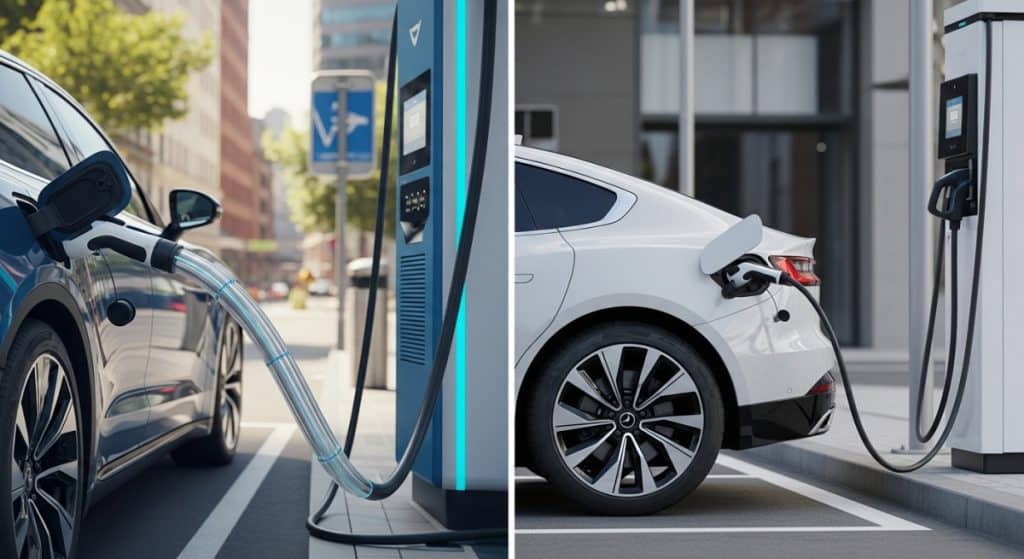
Why this happens (simple version)
Many Superchargers operate in a voltage range that works beautifully for 400V-class EVs. Some 800V EVs can still charge there, but they may not hit their peak rates because they are effectively working around a voltage mismatch.
The result is not “Superchargers are slow.” It is “your EV is not always in its ideal zone at every charger.”
What that means on the screen when you plug in
What you may see:
- A charging session that starts normally
- A rate that feels capped lower than expected
- A curve that ramps, then settles into a “this is my life now” number
For road trips, this matters because it changes your stop timing. A 10-minute splash can turn into a 20-minute stop, depending on your battery and the site.
“So should I avoid Superchargers if I have an 800V EV?”
No. Just use the right mindset.
Think of Superchargers as coverage and reliability, not always the absolute fastest possible stop. If you have access to an 800V-friendly fast charger on your route and you are optimizing for time, use it. If you are optimizing for “I need a dependable charger right here,” Superchargers can still be a win.
Parking and Cable Logistics: How Not to Become “That Person”
Nobody wakes up wanting to be the villain of a charging station. But cable geometry can turn a normal person into an accidental double-stall blocker.
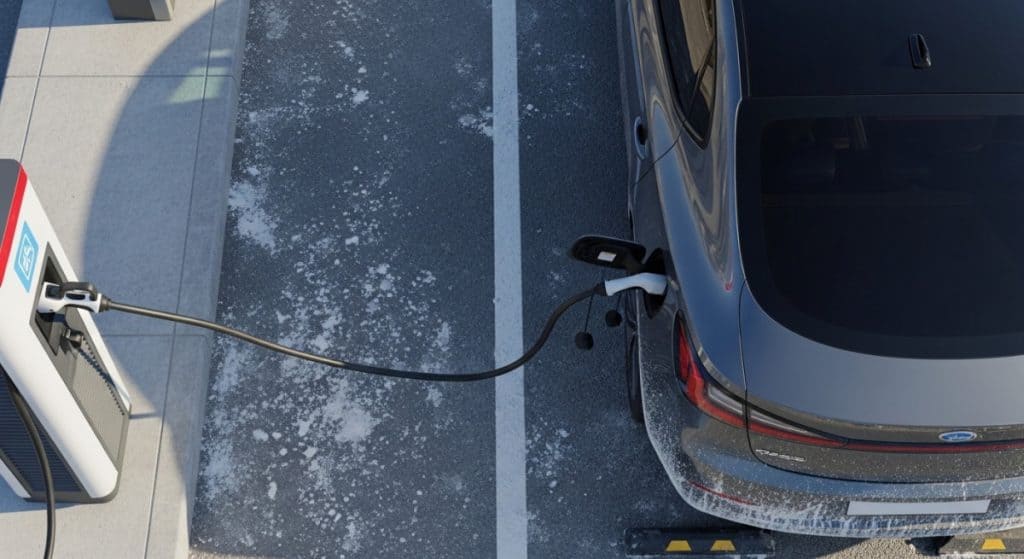
Why the cable reach problem exists
A lot of V3 sites were designed around Tesla port placement and shorter cables. Non-Tesla EVs often put their ports in different spots, which can force weird parking angles.
Why some non-Tesla EVs end up taking two stalls
It usually comes down to three things:
- Your port location
- Cable length
- The stall layout
Sometimes the “correct” parking position for your car means the cable only reaches if you straddle a line. That is not you being evil, that is just geometry.
Practical etiquette tips that reduce drama
If you want the low-friction way to do this, here are the habits that help:
- Pick an end stall when you can. More space, fewer awkward angles.
- Avoid blocking drive aisles and accessibility areas. Even if the cable reaches, do not create a safety mess.
- If you must take two stalls, do it fast and at low-traffic times. Treat it like borrowing a tool, not moving in.
Why V4 matters (and why you will still see lots of V3)
V4 sites and updates are aimed at making this easier, often with longer cables and layouts that better tolerate different port placements.
But you will still see a lot of V3 sites for a while. So the reality is: you will still need to think about cable reach in 2026.
Apps, Payment, Pricing, and the “Membership” Question
This is where most “why won’t it start charging?” moments come from.
Two ways sessions usually start
- Plug & Charge style
This is the smoothest when your brand supports it and your billing is set up correctly. Ford, for example, has published a Supercharger access FAQ and guidance that explains the broader rollout and how access works. - App-start method
Common for many non-Tesla sessions. You plug in, open the Tesla app, select the stall number, and start the session.
If your first session is coming up and you want the “least mysterious” method, app-start is often the easiest to confirm because you can literally see what stall you selected.
Supercharging Membership, what it is and who should consider it
Tesla offers a membership option in some regions that can change pricing in the Tesla app. Whether it is worth it depends on how often you use Superchargers. If you are road tripping monthly, it might pay off. If you will use Superchargers twice a year, probably not.
Pricing and availability can change, so check inside the Tesla app before you commit.
Fees people forget to budget for
- Idle or congestion fees can apply. Translation: if you keep the stall occupied after you are done, it can cost you. That is not Tesla being mean, that is Tesla trying to keep stalls available.
The simple rule is: when you are done charging, move.
Step-by-Step: Your First Successful Supercharger Session in a Non-Tesla EV
Let’s make this boring, in the best way.
Before you arrive (2-minute pre-check)
- Confirm the site is open to non-Teslas in the Tesla app.
- Confirm your payment method is set.
- If you need an adapter, confirm it is the correct one and it is in the car.
- If your EV supports battery preconditioning for fast charging, route to the charger in your in-car nav so the battery warms up properly.
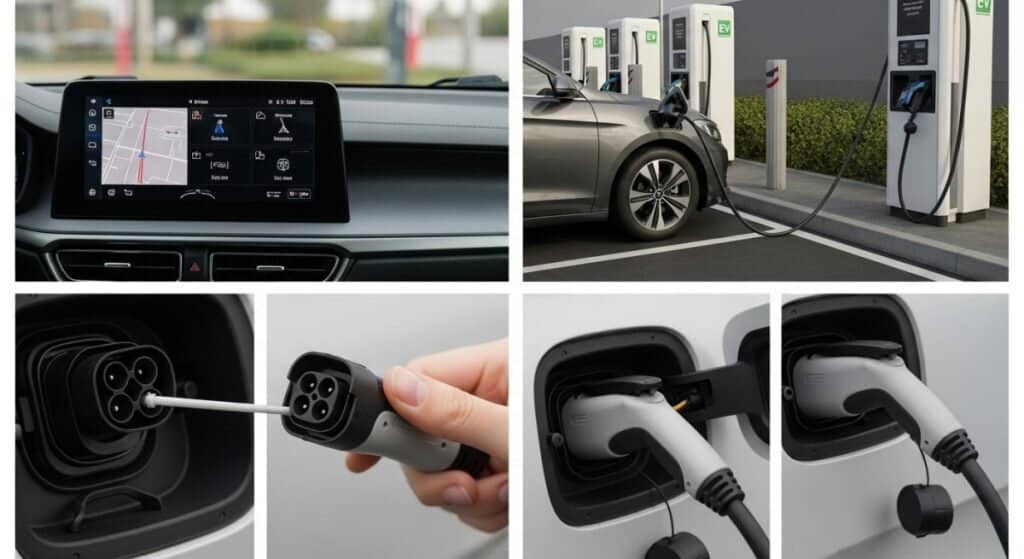
At the stall: the cleanest connection sequence
This is the connection order that avoids a lot of handshake weirdness:
- Park first, then check reach.
If your port location is tricky, try an end stall. - If you use an adapter, attach it correctly.
You want it fully seated and solid, not “kind of in there.” - Plug into the car with a firm, straight push.
Do not twist, do not fight the latch. Just straight, fully seated.
Starting the session
If Plug & Charge works:
You plug in, the car and charger talk, and it starts. Enjoy the rare moment where technology behaves.
If you need the Tesla app:
- Plug in
- Open Tesla app
- Select the site, then the exact stall number
- Start charging
Give it a few seconds. Some cars take a moment to wake up and complete the handshake.
Ending the session
- Stop the session in the app or in the vehicle UI (whichever your setup uses)
- Unplug in the correct order for your adapter setup
- Stow the adapter where it stays clean and dry
Quick habit that pays off: touch the adapter housing briefly. Warm is normal. Too hot is not. If it feels concerning, stop and inspect.
Troubleshooting flowchart (simple and calm)
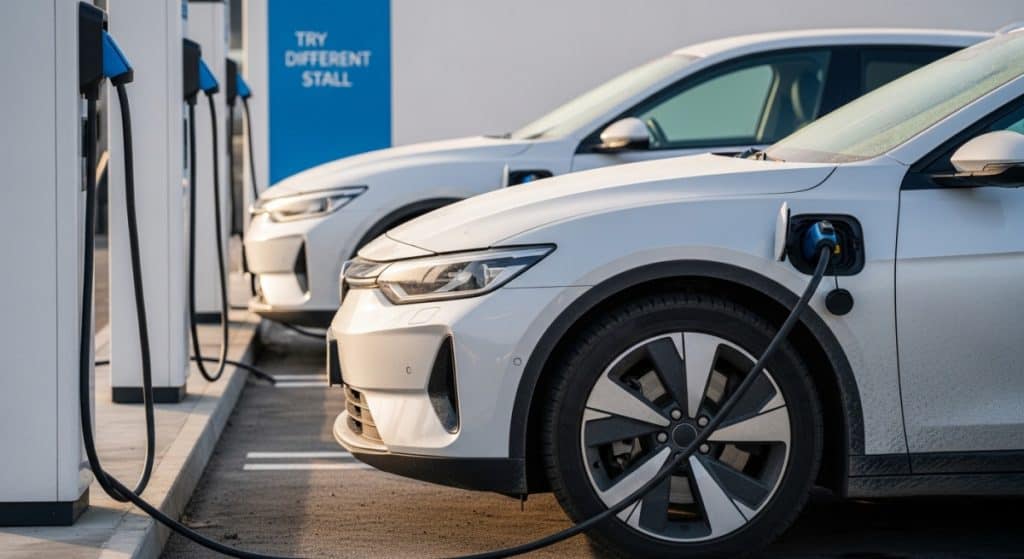
“It won’t start.”
Confirm site compatibility in Tesla app. Reseat the connector. Try app-start. If it still fails, move stalls.
“It started then stopped.”
Often a seating issue or a handshake interruption. Reseat, try again, and consider supporting the cable weight if the setup is pulling down.
“Speed is way lower than expected.”
Check battery temperature and state of charge. If you are in an 800V EV, it may be a voltage mismatch reality check, not a broken charger.
“Cable can’t reach.”
Try an end stall. If you still cannot reach without blocking, this might be a site you avoid next time.
Road Trip Strategy: How to Make Superchargers Work for You (Not Against You)
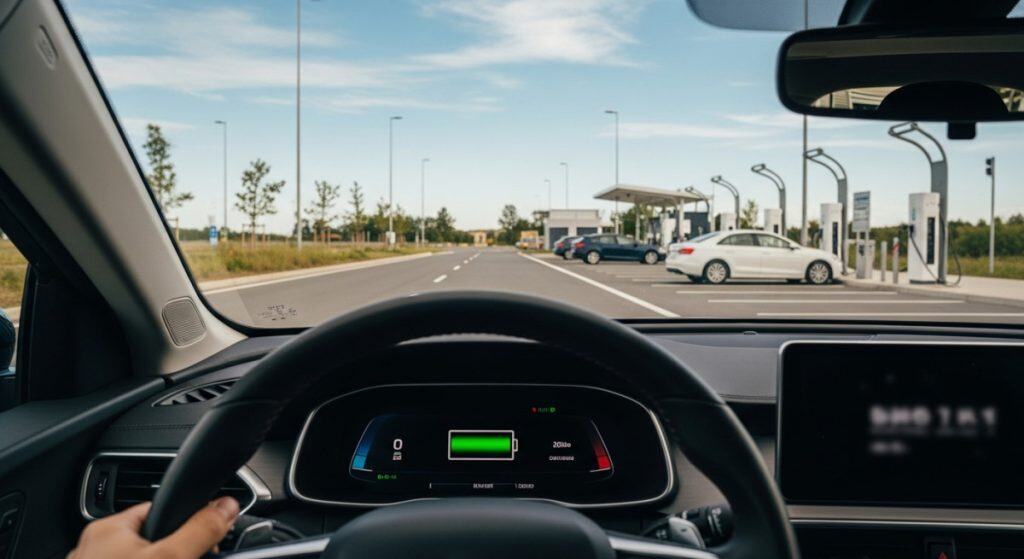
Plan around the reality, not the brochure
Road trip charging is all about repeatable behavior:
- Arrive with a warm battery when possible (preconditioning helps a lot)
- Do not show up at 2 percent and expect miracles
- Know your EV’s “happy zone” for charging, because some cars taper early
The “coverage vs speed” mindset
Superchargers are often the best option when:
- You want dependable, easy-to-find charging
- You are routing through areas where other fast chargers are sparse
- You want fewer “will this be broken?” surprises
Another network might save you time when:
- Your EV is an 800V architecture and there is a truly 800V-friendly site on route
- You are trying to minimize stop length, not just guarantee a charger exists
A quick sanity checklist for each stop
- Compatible site confirmed
- Stall availability looks decent
- Plan B charger nearby if the site is busy or down
- Charge target set (you rarely need 100% on a road trip)
Used EV Buyer Checklist: “Supercharger-Ready” Before You Sign Anything
This is the money section. If you are shopping used, Supercharger access can be a genuine upgrade, but only if you verify the details.
Ask these questions about the car
- Does this exact model year have Supercharger access yet for its brand rollout?
- Does it require a software update for access or billing setup?
- Where is the charge port, and will it be annoying at short-cable sites?
- Is the car 400V or 800V architecture, and do you care more about peak speed or coverage?
Ask these questions about the adapter (if the car is CCS)
- Is an OEM adapter included?
- Is it the correct model for DC fast charging at Superchargers?
- Does it look clean and undamaged, with pins that are not bent or cooked?
- If it is not OEM, are you comfortable with potential compatibility and warranty risk, especially given Tesla’s published safety guidance on adapter use.
Do this before buying, if possible
If the seller will cooperate, the best test is the simplest:
- Get the VIN details
- Set up the charging account you will actually use
- Do one real DC fast charge session somewhere
Even if you do not test at a Supercharger specifically, a real DC session can reveal basic issues fast.
Budget line items shoppers miss
- Adapter cost (if not included)
- Possible membership cost (if you plan to Supercharge often)
- The “friction tax,” meaning how much annoyance you are willing to tolerate for a lower purchase price
FAQ
Are all Superchargers open to non-Teslas?
No. Some are compatible, some are not. Always confirm in the Tesla app before you drive there.
Do I need the Tesla app?
Often yes, especially if your vehicle is not fully integrated with Plug & Charge for Superchargers.
Why is my charging speed lower than expected?
Battery temperature, state of charge, stall conditions, and your EV architecture all matter. 800V EVs can feel “capped” at some Superchargers.
What is a Magic Dock?
A Supercharger stall with a built-in CCS option, so you can charge CCS vehicles without bringing your own adapter.
Can I use any adapter I find online?
Do not assume so. Safety and compatibility matter, and Tesla has published guidance warning against unapproved adapter use.
What happens if I block a stall?
At minimum you will annoy people. At worst you can trigger idle fees and create a safety problem. Park smart and move when done.
Can I road trip reliably with a CCS EV in 2026?
Yes, if you plan properly and verify compatibility. But it is still more “setup dependent” than a native NACS vehicle.
Bottom Line: Is Supercharger Access a Dealbreaker When Shopping Used?
If you mostly charge at home, Supercharger access is a nice bonus. It should not be the only reason you buy a car.
If you road trip often, it can be a real quality-of-life upgrade, especially as more brands expand official access. Ford and GM have both publicly outlined how their customers can tap into the Supercharger network as the rollout progresses.
The big divider is not “Tesla vs non-Tesla.” It’s this:
- People who hate friction should prioritize native NACS and a proven, smooth setup.
- People who don’t mind a little adapter life can still road trip just fine, as long as they verify compatibility and use safe hardware.
If you shop smart and verify your setup, Superchargers can be a legit upgrade to used EV ownership in 2026. Just do not assume it is automatically plug-and-go for everyone.
Related Resources
- ttps://www.tesla.com/support/charging/supercharging-other-evs
- https://fromtheroad.ford.com/electric-vehicles/tesla-supercharger-access-faq/
- https://fromtheroad.ford.com/electric-vehicles/ford-tesla-supercharger-nacs-adapter/
- https://news.gm.com/home.detail.html/content/Pages/news/us/en/2024/jun/0611-charging.html
- https://www.ul.com/services/ev-charging-adapter-testing-and-certification
- https://www.gmpartscenter.net/oem-parts/gm-genuine-gm-nacs-dc-adapter-package-85836744