 Skip to content

A used EV can look like a great deal until you remember the part that matters most is also the hardest to judge with your eyes: the battery.
That is what makes battery health reports so important. On a gas car, most buyers naturally look at mileage, maintenance history, and how the engine feels. On an EV, you still care about those things, but the battery changes the conversation. It affects range, charging behavior, resale value, and the risk of a very expensive repair down the road.
The good news is this is not some mystery locked away at the dealership. In many cases, you can check battery health through the vehicle itself, through a dealer or third-party report, or through a smartphone app paired with the right OBD-II adapter. That is the practical side most readers actually need.
This guide is here to help you do two things: get the battery data, and make sense of it without getting buried in EV jargon.
Why battery health reports matter
Battery health is one of the biggest factors in whether a used EV is a smart buy or a frustrating one. Two electric cars can have the same year, similar mileage, and even look equally clean, but still deliver very different real-world range if one battery has aged harder than the other.
That is why battery health reports are becoming such a big deal in the used EV world. They give you a clearer picture of what the battery can still do today, instead of forcing you to guess based on the dashboard and a short test drive.
For a buyer, that answers the questions that really matter:
- How much battery capacity is left?
- Is the current range still realistic for daily use?
- Does the battery look normal for the car’s age?
- Is there anything here that should make me slow down or walk away?
If the report is good, it gives confidence. If it is bad, it can save you from buying the wrong EV.
What an EV battery health report actually is
At its simplest, an EV battery health report is a snapshot of the battery’s current condition.
Some reports are basic and only show the main headline number, while others go much deeper. Depending on the vehicle and tool used, a report may include battery health percentage, usable capacity, estimated full-charge range, charging history, warning codes, and sometimes even cell-level information.
The important thing is not how fancy the report looks. It is whether it gives you enough useful information to judge the battery with confidence.
A good battery health report should usually include:
- State of Health, or SoH
- current battery charge, or SoC, at the time of the check
- estimated usable capacity or current full-charge range
- battery warnings or fault codes, if present
- the date and mileage when the check was done

If you get all of that, you are already in much better shape than someone relying on a dashboard estimate alone.
How to check EV battery health
This is where the article needs to be practical, because a lot of readers do not just want to understand a report. They want to know how to get one in the first place.
1. Check whether the car has a built-in battery health tool
Some EVs give you more battery information than others right from the car.
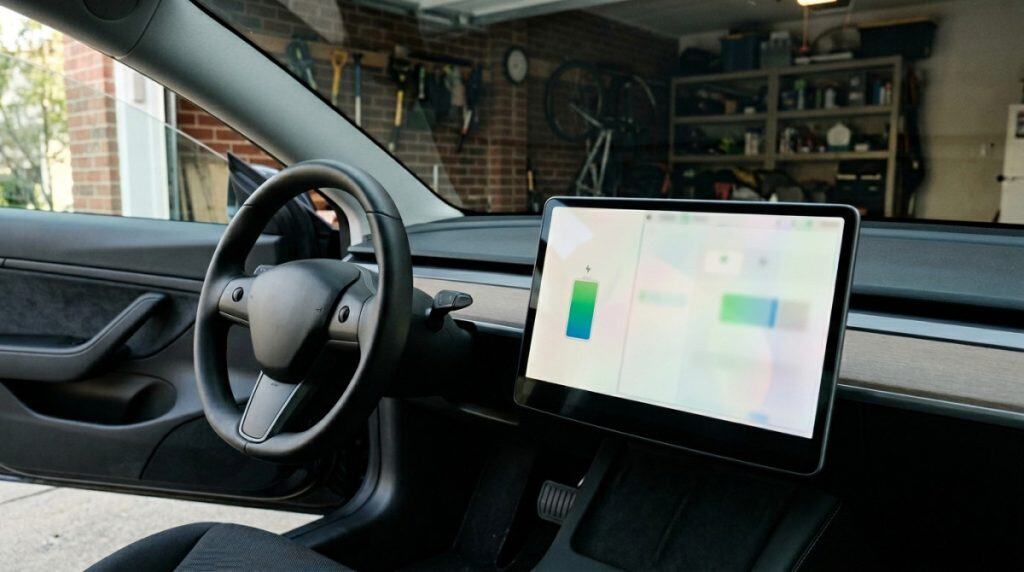
Tesla is one of the better-known examples. Some Teslas include a built-in Battery Health Test in the service menu, which can estimate how much energy retention the battery still has compared with when it was new. This is more helpful than relying only on the range number on the screen.
The Nissan Leaf takes a different approach. Instead of giving a clean percentage on the main dash, it uses a battery capacity gauge with bars. That gives you a rough health clue, but it is much less precise than a proper SoH reading.
Other EVs may show battery information through menus, apps, or service screens, but the amount of detail varies a lot by brand and model.
So before you assume you need extra tools, check what the vehicle already offers.
2. Use a dealer or EV specialist report
If you want a more formal battery check, a dealership or EV specialist can often run one.
This is one of the easiest paths for shoppers because it removes some of the guesswork. Instead of trying to interpret everything from scratch, you get a more structured diagnostic result. That can be especially useful when you are buying from a private seller or looking at an EV that does not make battery data easy to access on the dash.
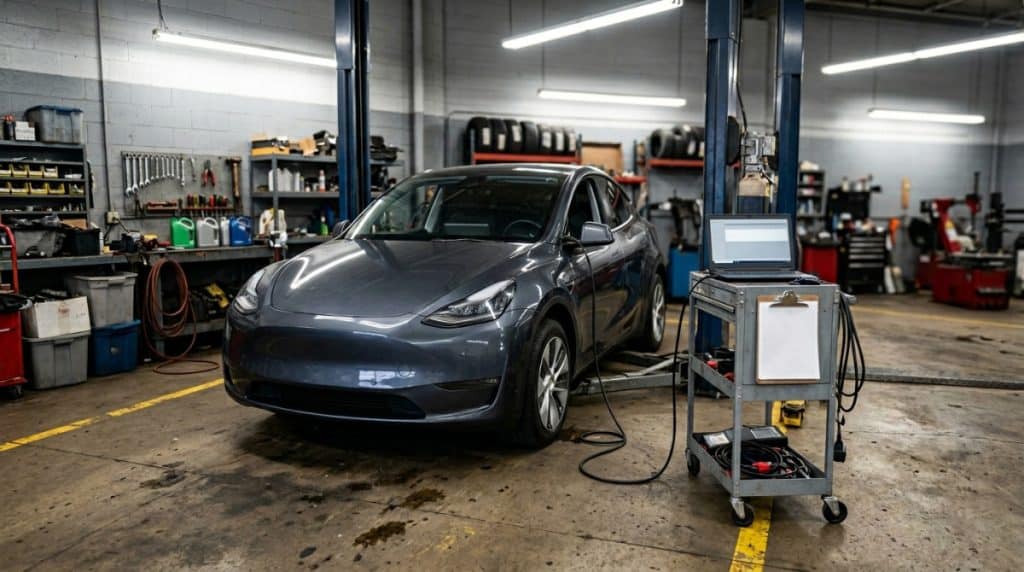
A dealer-style report is also helpful when you want to compare what the seller claims against something more official.
3. Use a smartphone app and OBD-II adapter
This is the hands-on route, and for many readers it is the most useful one.
On a lot of EVs, especially models with strong app support, you can plug a compatible OBD-II adapter into the car, pair it with a smartphone app, and pull battery data directly from the vehicle. Depending on the car and app, that may show battery health percentage, charge counts, battery temperatures, individual cell data, and more.
This is where model-specific tools matter.
For example:
- LeafSpy is the app many Nissan Leaf owners use because it can show exact SoH, battery stats, charge history, and detailed pack information.
- Scan My Tesla is popular for Tesla, but it is not as simple as a normal plug-and-play OBD scan because Tesla uses a different setup and usually needs extra hardware.
- Car Scanner and similar apps can work with a wider range of vehicles, but the amount of EV-specific data depends heavily on the model and profile support.
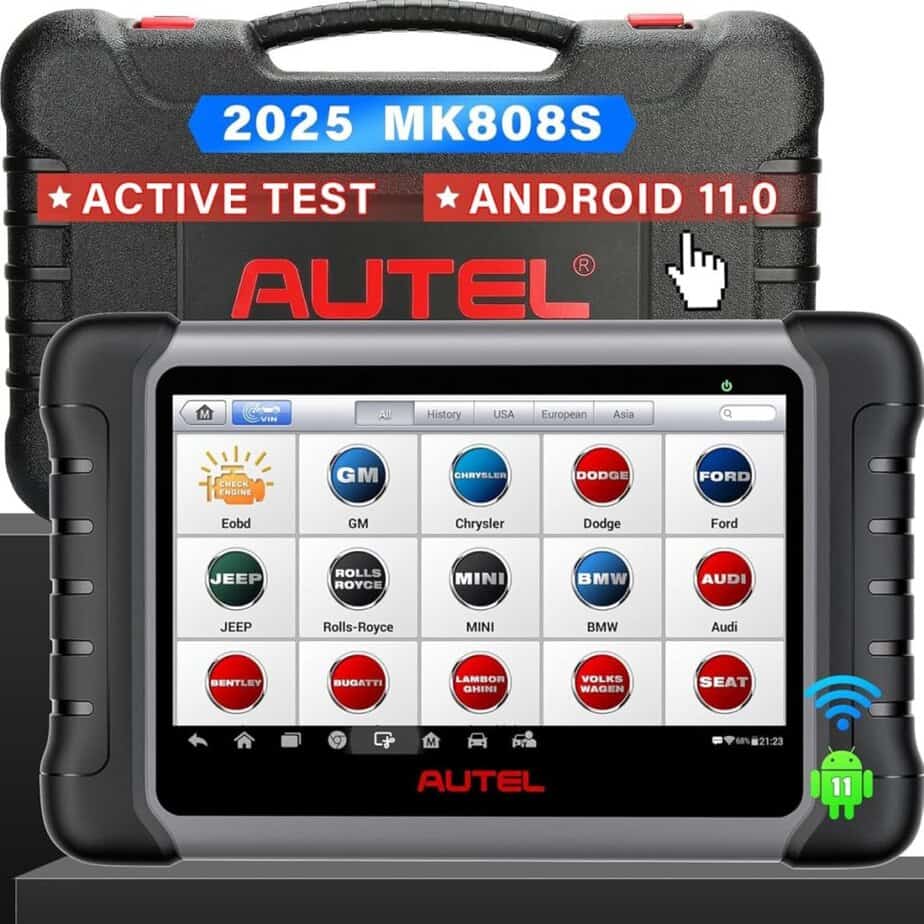
If you want something more dedicated than a phone-and-adapter setup, a scan tablet like the Autel Scanner MaxiCOM MK808S can also make sense. It is a wired diagnostic tool that goes beyond simple code reading and gives you broader all-system access, live data, AutoVIN support, service functions, and printable reports. That can be useful if you are checking more than one vehicle or want a tool that does more than basic battery-related scans.
That said, it is still important to keep expectations realistic. A tool like the MK808S can be very helpful for broad vehicle diagnostics, but EV battery-health data still depends on what the specific car exposes and how well the tool supports that model. In some cases, a model-specific app may still give you better battery detail than a general-purpose scanner.
That last point matters. Do not treat every EV app or scan tool as equal. Some are excellent on certain vehicles and only okay on others. The goal is not just to connect to the car. The goal is to get battery information you can actually trust.
If you are shopping for a used EV, this is often the sweet spot. It is more informative than a quick dashboard check, and cheaper and more flexible than booking a full inspection every time you want to look at a car.
The key battery terms that matter
You do not need to become an EV engineer to read a battery report, but you do need to know a few terms.
State of Health (SoH)
This is the big one.
State of Health tells you how much of the battery’s original usable capacity is still there. A brand-new battery starts at 100%. If the report shows 85% SoH, that usually means the battery has lost about 15% of its original usable capacity.
That does not automatically mean the battery is bad. It means it has aged. The real question is whether that number makes sense for the car’s age, mileage, and history.
State of Charge (SoC)
State of Charge is just the battery level right now.
Think of it like a fuel gauge. If the battery is at 60% SoC, that means it is 60% full at that moment. It does not tell you how healthy the battery is overall.
That is why people should not confuse SoC with SoH. One tells you how full the battery is today. The other tells you how much battery capacity the car has left compared with when it was new.
Usable capacity
Battery size is usually measured in kilowatt-hours, or kWh. What matters here is usable capacity, not just the pack’s total gross size.
Automakers usually leave some buffer at the top and bottom of the battery to protect it. So the total physical battery size and the amount the driver can actually use are not always the same.
If a report gives you usable capacity, that can help you understand how much real battery is still available for driving.
Range estimate
This is where readers naturally focus, and that makes sense. They want to know how far the EV can still go on a full charge.
The trick is not to treat the dashboard estimate like the final truth. Range changes based on driving speed, weather, hills, tire choice, and climate-control use. So a battery report is more useful when it gives you range together with SoH and other battery data.
How to read the numbers without overthinking them
This is where a lot of battery articles get too technical. For most readers, the goal is not to obsess over every screen. It is to decide whether the battery looks healthy, normal, or risky.
Start with SoH.
As a simple rule of thumb:
- 90% or better on a relatively young EV usually looks healthy.
- 80% to 90% on an older used EV can still be normal.
- Below 70% is where concern rises quickly, especially if the vehicle is not that old or is still close to battery warranty coverage.
These are not magic cutoffs. They are practical ways to frame the result.
Once you have SoH, compare it with the range the car was originally known for. You do not need the car to match its brand-new numbers exactly, especially if it is several years old. But if the drop in real-world range feels much larger than the battery report suggests, that deserves a closer look.
Then look at the story around the battery.
Ask yourself:
- Does the SoH make sense for the age and mileage?
- Does the current range roughly match the battery health reading?
- Is there evidence of heavy fast-charging use or harsh climate exposure?
- Are there battery warnings or trouble codes?
- If the app shows cell-level data, does the pack look reasonably balanced?
A good report tells a consistent story. A weak report, or a weak battery, usually creates contradictions.
What can speed up battery wear?
A battery health report becomes more useful when you understand what may have shaped the result.
Time matters. Heat matters. Charging habits matter too.
Battery degradation is normal, but it is not perfectly identical from one EV to the next. A car that spent years in a hot climate and leaned heavily on high-power DC fast charging may age differently from a similar EV that mostly charged on Level 2 at home in a milder area.
That does not mean you should panic over every fast charge. It just means battery history matters more than a lot of people realize.
This is also why mileage alone is not enough. A lower-mileage EV is not automatically the safer battery bet if it was stored poorly or lived in harsher conditions.
Red flags that should make you pause
A battery report is not just there to reassure you. It is also there to warn you.

Here are the signs I would take seriously.
The battery health is low for the car’s age
If the EV is still fairly young but the SoH is already very low, that is not something I would shrug off. Maybe it is still under warranty. Maybe it was heavily stressed. Either way, it deserves a harder look.
The range and the report do not match
If the seller says the battery is healthy but the car burns through charge unusually fast in normal driving, that disconnect matters. The battery story should make sense both on paper and on the road.
The seller will not provide battery data
This is one of the simplest red flags of all.
If someone is comfortable selling a used EV but refuses to show battery data, refuses a scan, or acts like battery health should not be part of the conversation, that is a problem.
The battery replacement story is vague
A documented battery replacement can be a plus. A vague story with no paperwork is not.
If the battery seems unusually healthy for the age of the car, ask why. Maybe it was replaced. Maybe the seller has proof. If not, I would slow down.
Warning codes or obvious pack imbalance
If the report or app shows battery warnings, system faults, or major imbalance between cells, that is not something I would wave away with optimism. Battery issues can get expensive quickly.
A simple used-EV battery check routine
If you want a practical way to apply all of this, here is a clean routine to follow.
First, ask the seller for any battery report they already have.
If the vehicle has a built-in health screen, check that too. If the model supports a good app, bring the adapter and run your own scan. Then compare the result against the EV’s age, mileage, original range, and asking price.
If everything still looks promising, do a real test drive. Not just a quick loop around the block. Use normal driving, watch how the battery percentage drops, and see whether the car behaves the way the report says it should.
If the numbers, driving feel, and seller’s story all line up, that is a good sign. If they do not, trust the inconsistency.
What a Good Battery Report Should Tell You
The best way to read an EV battery health report is to stop thinking of it like a mystery document and start thinking of it like a used-car reality check.
You are not looking for perfection. You are looking for a battery that makes sense.
That means learning the basics, getting the best data you reasonably can, and reading the results in context. In a lot of cases, that may be as simple as a built-in health screen or a dealer report. In others, a smartphone app and the right OBD-II adapter can tell you much more than the dashboard ever will.
For a used EV buyer, that kind of check is not overkill. It is just smart.
FAQ
Can I really check EV battery health with my phone?
Sometimes, yes. On many EVs, you can use a smartphone app with a compatible OBD-II adapter to pull battery data from the car. The exact details depend on the model. Some apps are highly model-specific and much more useful than general-purpose scan tools.
Is 80% battery health still okay?
It can be. On an older used EV, 80% SoH may still be normal enough for daily use. The more important question is whether the remaining range still fits your needs and whether the battery looks healthy for the vehicle’s age.
Should I trust the dashboard range estimate by itself?
Not by itself. Range changes with weather, speed, terrain, and climate-control use. It is better to read range together with battery health data if you can.
What matters more, mileage or battery health?
On a used EV, battery health often matters more than people expect. Mileage still matters, but a healthy-looking battery report can tell you more about long-term usability than mileage alone.


