Skip to content

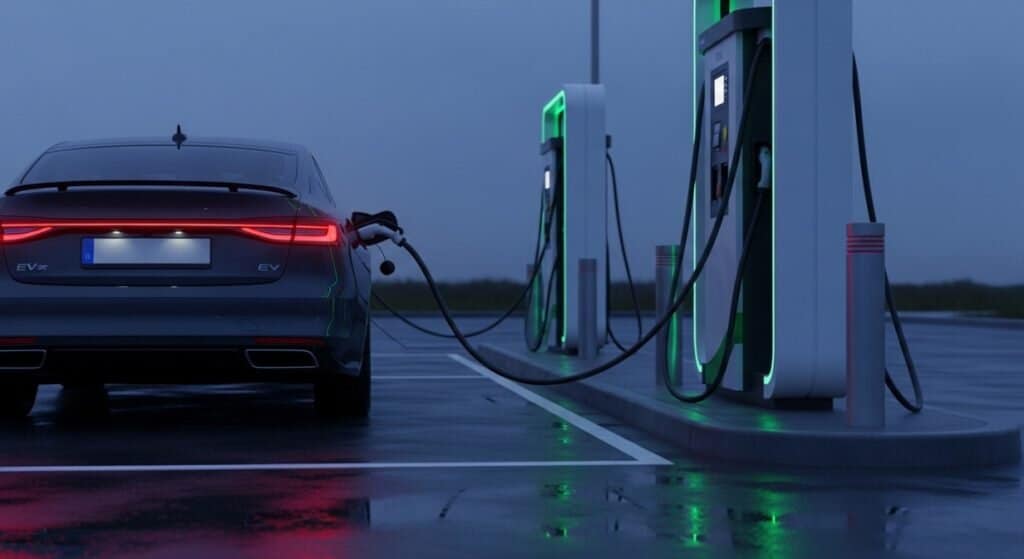
You pull in at 8% battery, plug in, and get… nothing. Red ring. “Charge station fault.” The app just spins.
You unplug, plug back in. Now it feels like every person within 50 feet suddenly has a hot take on your plugging technique.
Welcome to the adapter era. Let’s get you charging.
What This Guide Covers
This is for DC fast charging at Tesla Superchargers using a NACS-to-CCS1 DC adapter on non-Tesla EVs (Ford, GM, Rivian, and other CCS vehicles).
Not covered here: AC destination charging adapters, extension cables, or no-name adapters that “fit” but aren’t built for high current. Seriously, skip those.
Start at Fix 1 and work down. Most people are done by Fix 3.
2-Minute Triage
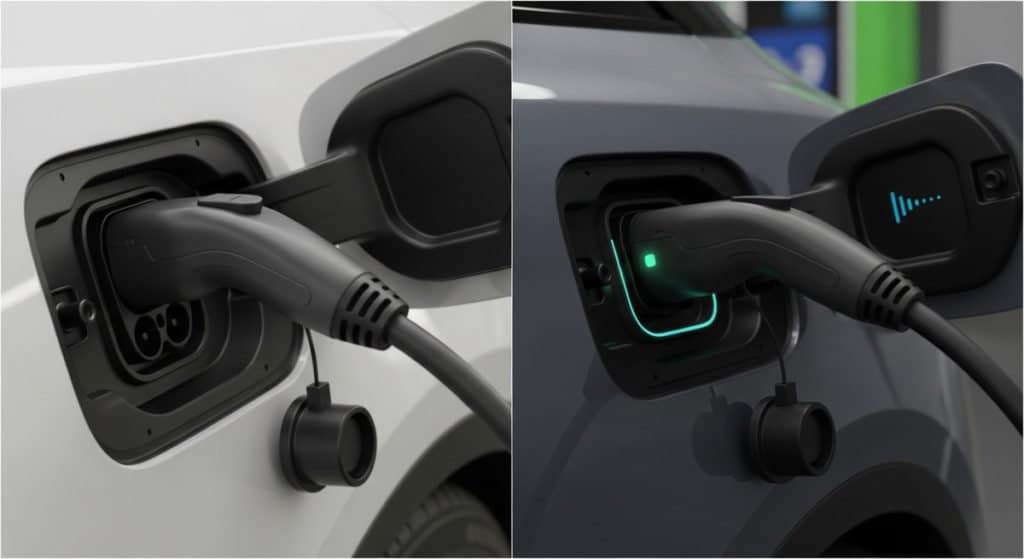
A) Fails instantly (never starts)
Most likely: not fully latched, cable sag during handshake, wrong connection sequence, incompatible site, or a payment/account issue.
B) Starts, then stops within 1-10 minutes
Most likely: heat at the contacts, a loose connection that shifts, a bad stall, or an adapter issue.
C) “Charging” but painfully slow
Most likely: cold battery (no preconditioning), your EV’s own speed limits, shared power at the site, or heat throttling.
Find your failure type, then start at Fix 1.
Before You Troubleshoot: 3 Quick Checks
1. Confirm the site is open to non-Tesla EVs
Don’t assume V3 means it works. Check the Tesla app to confirm the site supports other EVs. Access depends on the location and your specific setup.
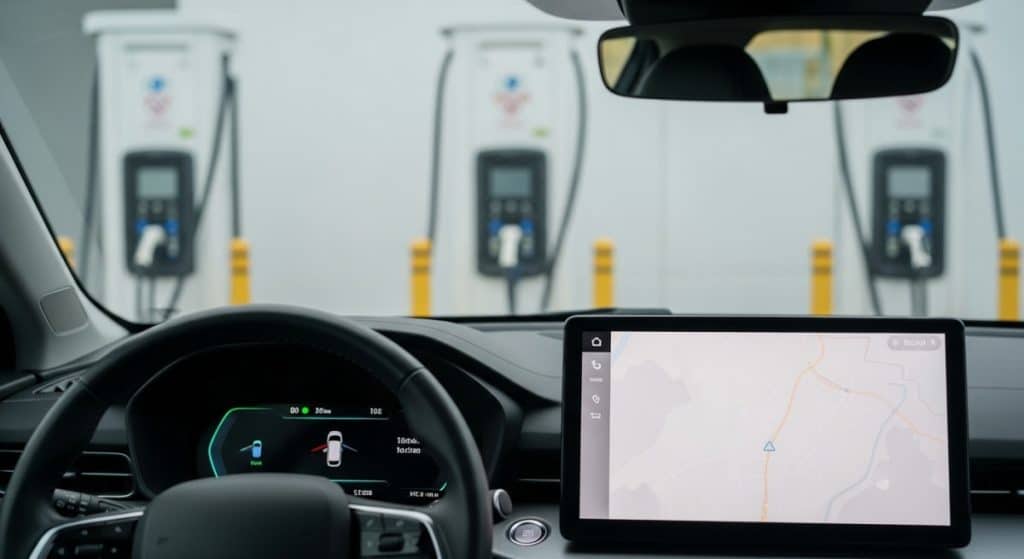
2. Confirm this isn’t a “no CCS” site
Some Superchargers won’t talk to CCS vehicles even with an adapter physically connected. Hyundai’s guidance, for example, tells owners to verify supported locations before pulling in.
3. Check your adapter
Use manufacturer-approved equipment. Look for adapters evaluated under UL 2252, a common certification standard for EV charging adapters.
Quick check: If your adapter looks scorched, smells burnt, feels “melty,” or has a sloppy latch, stop using it now.
Why This Happens (Plain English)
Native plug: one connection. Adapter: two.
Tesla handle to adapter, then adapter to your car. That doubles the chances of a tiny alignment issue, debris, or cable weight disrupting the signal pins.
When something feels even slightly off, the system is designed to fail safe and kill the session. That’s why the first few fixes are all about one thing: locking in a rock-solid connection.
The 9 Fixes
Fix 1: The Push-Pull-Push Seat Check
If it fails instantly, assume it isn’t truly seated.
Do this next:
- Push the whole assembly in firmly until it stops
- Pull back slightly to confirm the latch is engaged
- Push again to fully seat it
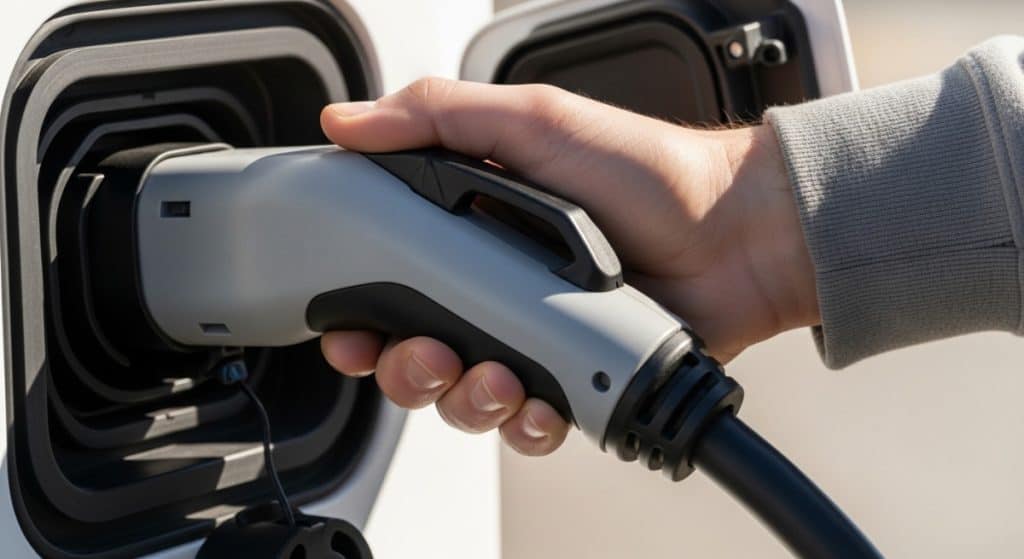
You’re looking for that “locked in” feel where it doesn’t spring back. If your car switches from error to connected right after, you just solved it.
Fix 2: Support the Cable During Handshake
Tesla cables are stiff and heavy. Add an adapter and you’ve got a lever pulling straight down on your port.
Do this: Hold the handle up for 10-30 seconds while the handshake happens. Once charging ramps and holds steady, let go carefully.
If you want to brace it, use something soft and dry. Don’t press the release button while bracing.
Real-world tip: If your sessions used to start then stop, this fix alone solves it more often than you’d expect.
Fix 3: Use the Right Connection Sequence
Plugging piece by piece can create a timing mismatch between your car waking up and the charger signaling.
Best sequence for most CCS cars:
- Attach the adapter to the Tesla handle first
- Plug the combined unit into your car
Ford’s adapter instructions walk through a controlled, step-by-step process for exactly this reason. Chevrolet’s guide also emphasizes sequence and app-based session starts.
Fix 4: Try a Different Stall
Sometimes it’s not you. It’s the stall.
If Fixes 1-3 don’t work: move one stall over. Pick one that isn’t being hammered by nearby vehicles. If multiple stalls fail, try a different site entirely.
Real-world tip: You can spend 15 minutes perfectly seating a connector on a pedestal that’s simply dead. Don’t let that be you.
Fix 5: Pick Your Start Method on Purpose
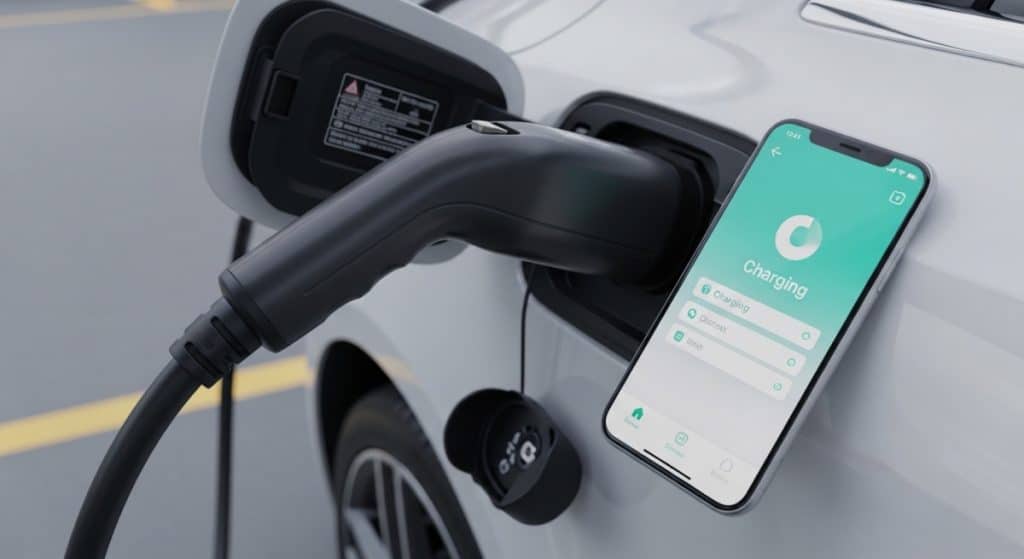
A lot of failed sessions are actually authorization confusion, not a hardware problem. Plug and Charge, automaker apps, Tesla app, membership pricing, it can get messy fast.
If you’re seeing payment errors or the app just spins:
- Use the Tesla app as your reliable fallback: plug in, select your stall, tap start
- Then don’t touch anything while it handshakes
Tesla specifically directs non-Tesla drivers to use the Tesla app for Supercharger sessions. Chevrolet’s guide leans on the same app-driven flow.
Fix 6: Do a True Sleep Reset
If it failed once and your car won’t cooperate now, you might be stuck in a locked-up state.
Do this:
- Unplug everything
- Close the doors
- Lock the car
- Step away for 2 minutes
- Come back and start again from Fix 1
This clears a lot of “it’s mad at me now” behavior without making it a whole ordeal.
Fix 7: Precondition the Battery
If charging starts but is unstable or crawling, a cold battery is usually the reason.
Best option: Navigate to the Supercharger using your car’s built-in navigation. Many EVs prep the battery automatically when you route to a charger.
If your car has manual preconditioning: start it 20-30 minutes before you arrive. Hyundai’s NACS adapter guidance specifically calls out setup and compatibility details that tie directly into consistent charging, especially in cold conditions.
Fix 8: Inspect and Clean the Pins
Small debris causes big handshake problems.
Quick check:
- Use your phone flashlight to look into both adapter ends and your car’s port
- If you spot lint or grit, use compressed air only
- Skip cotton swabs. They shed fibers and can make it worse.
Fix 9: Skip the Wet Towel Trick (with an Adapter)
If speed drops and the handle feels warm, that slowdown is a safety response, not a bug.
A wet towel cools the handle’s outer sensor area, but the adapter contacts underneath can still build heat. That’s a bad combo.
If things feel unusually hot, do this instead:
- Re-seat the connection (Fix 1)
- Support the cable (Fix 2)
- Switch stalls (Fix 4)
- Accept a slower ramp if the system is protecting itself
Safety note: NHTSA has issued recall documentation for at least one adapter product line. High-current hardware failures aren’t theoretical. If your adapter seems off, stop using it.
Brand-Specific Things to Know
Ford: Stick to Ford’s adapter steps and approved equipment. If something seems off, check Ford’s support docs and any notifications tied to your charging setup.
GM (Chevy, GMC, Cadillac): GM’s Supercharger instructions lean heavily on app workflow. If you keep hitting authorization errors, Fix 5 is your best friend.
Hyundai (and other brands entering Tesla access): Hyundai’s NACS adapter FAQ focuses on compatible sites and correct setup. If you’re guessing which sites work, stop guessing and verify in the app before you pull in.
Still Failing After All 9?
Don’t spiral at the stall. Switch the plan.
- Try a different Supercharger site, not just a different stall
- Use another DC fast charging network if you’re in a hurry
- If the adapter is getting unusually hot or looks damaged, stop using it
- Use in-app support for the network you’re on (Tesla app for Tesla sessions)
Prevent 90% of Failures Next Time
60-second routine before you leave:
- Put the adapter somewhere reachable, not buried under cargo
- Quick visual check: no dirt, bent pins, or a damaged latch
- Confirm your payment method is set in the Tesla app
- Navigate to the charger using your car’s built-in routing when possible
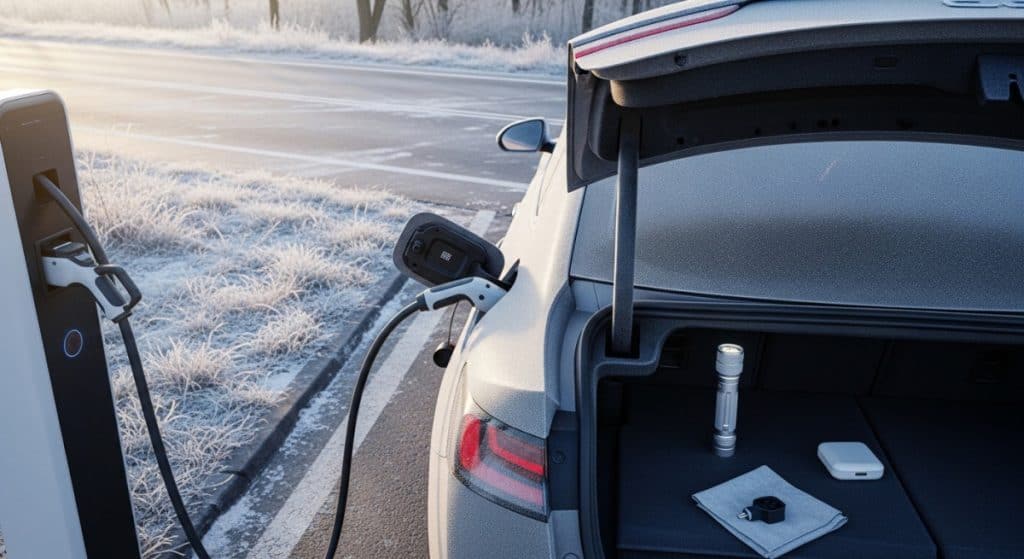
Minimal kit to keep in the car:
- Small flashlight
- Compressed air can (or keep one at home)
- Dry microfiber towel (for bracing only, not wet cooling)
Related resources
- https://www.tesla.com/support/charging/supercharging-other-evs
- https://www.ford.com/support/how-tos/electric-vehicles/public-charging/how-do-i-use-the-fast-charging-adapter-nacs/
- https://www.chevrolet.com/support/vehicle/ev-charging/public-charging/tesla-supercharger
- https://owners.hyundaiusa.com/us/en/resources/general-information/hyundai-nacs-adapter-faqs
- https://driveelectric.gov/charging-connector
- https://driveelectric.gov/adapter-compatibility
- https://www.ul.com/services/ev-charging-adapter-testing-and-certification
- https://static.nhtsa.gov/odi/rcl/2024/RCONL-24E033-9479.pdf